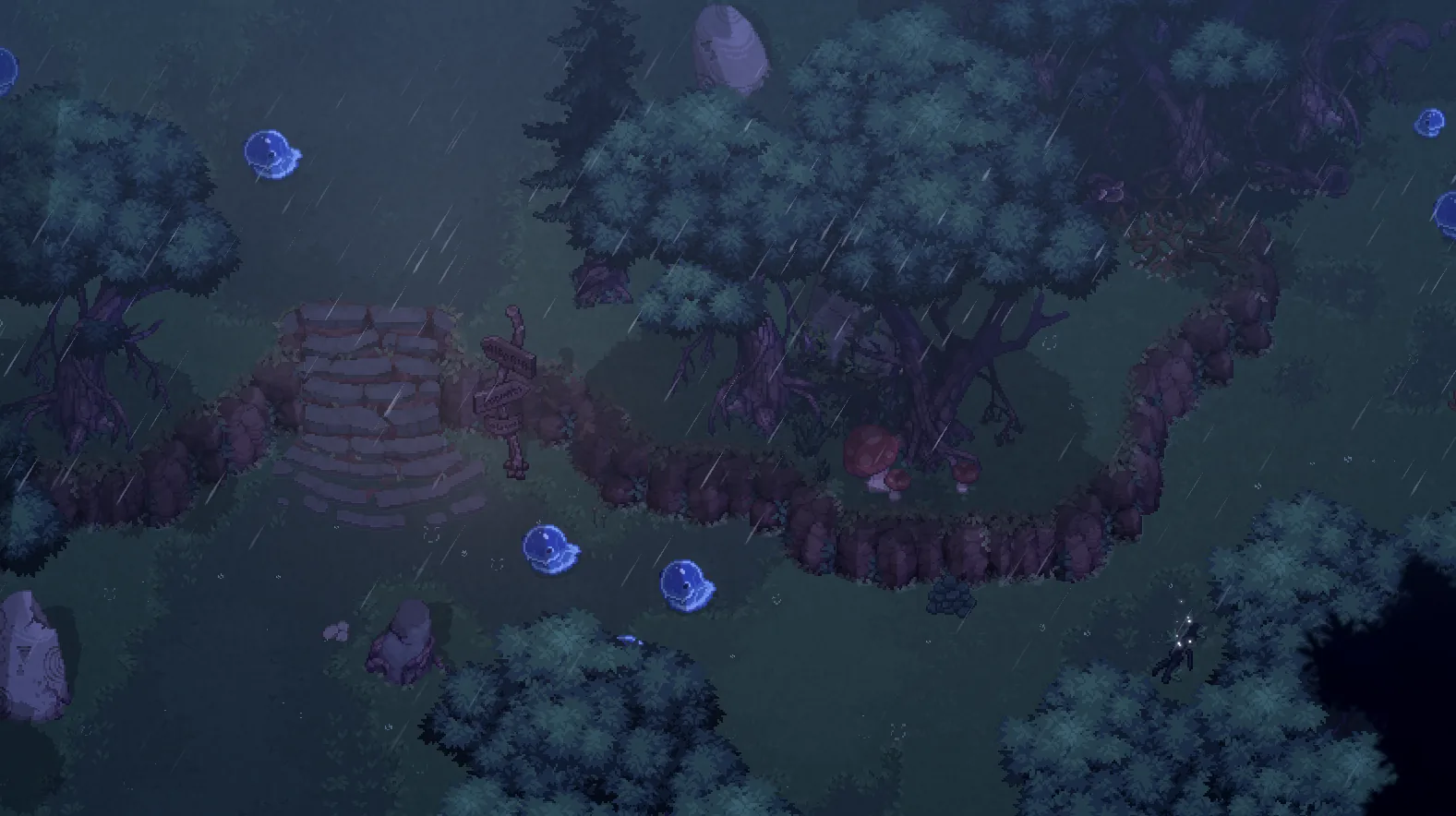
The open-world action RPG landscape has a new contender with Dimraeth, an ambitious title that combines souls-lite combat with deep crafting and base-building. Many players are wondering if Dimraeth Steam Deck support is up to par for an on-the-go experience, and the good news is that the game is already making waves for its surprisingly solid performance.
If you are planning to take your journey into the pixel-art world of Mirkea on the go, understanding how the game behaves on handheld hardware is crucial. In this guide, we dive into performance benchmarks, control optimization, and the essential gameplay loops that define your experience with Dimraeth Steam Deck setups.
Performance Benchmarks and Visual Expectations
When running demanding isometric RPGs, performance consistency is often the difference between a fun session and a frustrating one. According to initial player reports from the Steam community, the game is currently delivering a stable experience on the handheld.
Performance Metric
Target / Result
Resolution
800p (Native)
Frame Rate
60 FPS (Stable)
Visual Fidelity
High (Pixel Art)
Battery Drain
Moderate
As shown in the table above, the game hits 60 FPS without much struggle. The pixel-art aesthetic is not only visually charming but also translates well to the Steam Deck’s screen, providing a crisp, native aspect ratio without distracting black bars.
Why Performance Matters for Early Access
Because Dimraeth is currently in Early Access, developers at Mudtek are actively tuning the game. While the frame rate is solid, the Dimraeth Steam Deck experience is currently a work in progress regarding UI elements. Most community members note that while the engine runs smooth, some text sizes remain quite small, which can make reading quest logs or crafting menus a bit challenging on the smaller display.
Mastering Controls on the Go
One of the biggest concerns for action-heavy RPGs on handhelds is whether the combat remains responsive. Combat in Dimraeth is deliberate; every swing is a commitment, and you must manage stamina effectively.
Fortunately, the game offers full controller support, making the transition to the Deck’s inputs seamless. Here is how you can optimize your control scheme:
Recommended Control Customization
Combat Actions: Map your primary attack and dodge to the shoulder buttons (R1/L1) for quicker reaction times during boss encounters.
Spell Rotation: Use the D-pad or back-grips to cycle through your five equipped spells without pulling your thumb off the movement stick.
Base Building: While base building can feel "finnicky" according to some players, using the analog sticks to place structures is generally sufficient. If you find the lack of a grid frustrating, utilize the Steam Deck’s trackpads to simulate mouse precision for fine-tuning object placement.
Rebinding for Success
Don't hesitate to utilize the Steam Deck's back buttons. Mapping the 'interact' or 'map' functions to these buttons will save you significant time when managing inventory or looting during intense combat sequences.
The Gameplay Loop: Why It Works on Handhelds
Dimraeth excels at providing a structured "adventure-return" loop that fits perfecty into short or long gaming sessions. You leave the village, fight through dungeons, gather materials, and return home to refine your base.
Core Gameplay Mechanics
Activity
Benefit
Best On Deck
Exploration
Gain XP & Loot
High (Easy to drop in/out)
Crafting
Prepare for Bosses
Medium (Requires menu navigation)
Combat
Souls-lite challenge
High (Responsive sticks)
Co-op
Join friends
High (Seamless drop-in)
The ability to teleport via waystones significantly enhances the Dimraeth Steam Deck experience. Instead of forcing players to walk back and forth through cleared areas—which can be tedious on a handheld—you can jump between waystones at will, ensuring that your portable session is always focused on progression rather than backtracking.
Essential Tips for New Adventurers
If you are just starting your journey in the Wildwood Forest, consider these strategies to maximize your efficiency:
Race-Weapon Synergy: Remember that your race dictates your weapon style. A Minotaur is naturally an "axe wall," making them perfect for melee-focused builds, while Elves are better suited for dual-wielding daggers.
Resource Automation: As you progress into the mid-game, look to automate your farming and quarries. This allows you to focus on the exploration and combat elements when you are playing on the go, rather than getting bogged down in resource management.
The "Death Penalty": Unlike some hardcore RPGs, the penalty for dying in co-op is relatively light (a revive timer). This makes it much less stressful to experiment with difficult bosses while playing in public spaces or on the train.
While the game is very playable, it is still an Early Access title. You might encounter small bugs or balance issues that the developers are actively fixing based on community feedback.
Why You Should Wait (If Necessary)
If you are a player who needs a perfectly polished story and deep dialogue interaction, you might find the current narrative state a bit exposition-heavy. In such cases, you might prefer waiting for future content updates that refine the dialogue system.
FAQ
Q: Is Dimraeth officially verified for Steam Deck?
A: As of the latest update, the Steam Deck compatibility is listed as "Unknown." However, community testing confirms it is highly playable with consistent 60 FPS performance.
Q: Can I play Dimraeth offline on my Steam Deck?
A: While you can play alone, the game is designed as a co-op action RPG. Some features, particularly those involving co-op matchmaking, will require a stable internet connection to function correctly.
Q: How does the text size affect the Dimraeth Steam Deck experience?
A: The text size is currently quite small and can be difficult to read on the handheld screen. It is one of the most common pieces of feedback sent to the developers, and we expect accessibility options to improve in future patches.
Q: Do I need the trackpads for base building?
A: You can use the analog sticks to place structures, though some players find the trackpads more precise for base layout. You can also rebind keys to suit your preferred comfort level.